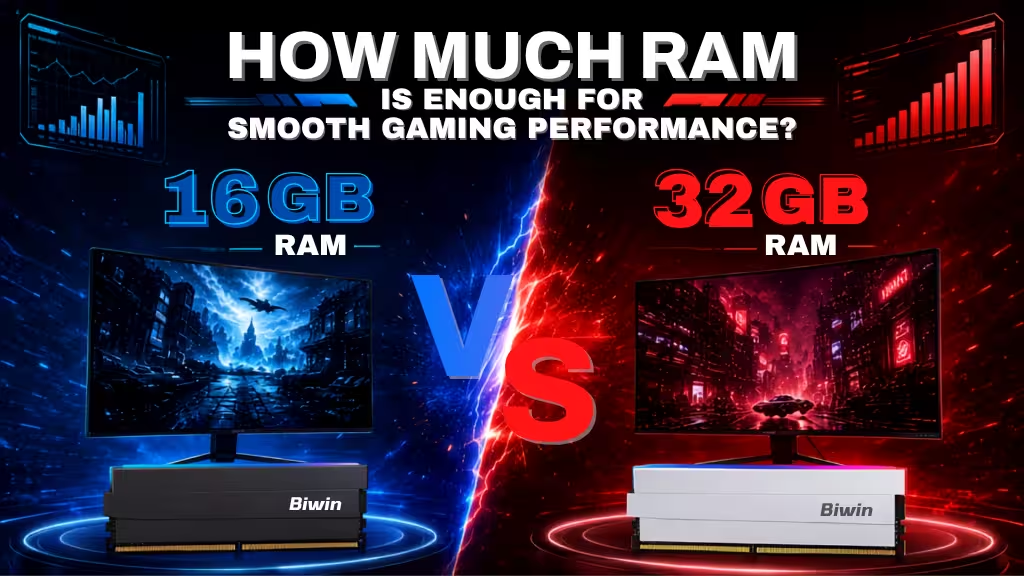
Alongside a powerful graphics card and processor, your gaming PC also needs the right amount of memory. But how much RAM do you need? For most gamers, 16 GB of RAM is enough, but if you want to play the most demanding games, upgrading to 32 GB can be of real benefit.
Smooth gaming performance comes from a combination of a powerful graphics card, a capable processor, and enough memory to support it all. Different games require different quantities of RAM, so how much RAM you actually need will depend on your system and the types of games you want to play. That said, there are some general guidelines to follow to make sure that your system will have enough no matter what you want to play.
In short, 16 GB is enough for most games, but 32 GB is sometimes worth the upgrade.
For most games, 16 GB is plenty
Newer games demand ever more from modern gaming PCs, and 16 GB is now becoming a more common requirement, even at lower detail settings. Battlefield 6, for example, demands 16 GB of RAM as a minimum and recommended system requirement. Borderlands 4’s minimum system requirements also demand 16 GB of RAM, as does DOOM: Dark Ages, Assassin’s Creed: Shadows, and a number of other top game releases.
For indie games, competitive esports games, and older games, 8 GB is the minimum and recommended system requirement, so having 16 GB will leave plenty of extra memory for background applications like anti-virus and web browsers.
However, 16 GB is not enough to play some of the latest games at high settings and resolutions. If you want to game at 4K or play with demanding settings like ray tracing enabled, it can be worthwhile to use more memory.
Why 32 GB is worth considering
For the most demanding games, you need 32 GB of RAM to play at the highest settings. In each of the games listed above, for High and Ultra settings, their requirements list 32 GB of RAM. You’ll also need a powerful graphics card and processor, but without 32 GB of RAM, those settings will remain locked for you.
There are also plenty of games that can consume over 16 GB of RAM if you have it for smoother gaming performance, even if it’s not a requirement. This is particularly prevalent in expansive flight simulators and large 4X exploration games, and strategy games.
Even if a game doesn’t use 16 GB or more RAM by itself, it can still be beneficial to have 32 GB of RAM, or even more. More memory lets you run lots of background applications, like web browser windows for reading Wiki entries or watching YouTube video tutorials.
If you want to stream your gameplay, having 32 GB or more of RAM is even more important. Streaming demands more system resources from the CPU, memory, and graphics card, so having extra memory ensures that streaming doesn’t slow down your game, or restrict its frame rate.
Performance is important too
As well as making sure you have enough memory, you also need to consider if your RAM is fast enough. Faster RAM lets CPUs and graphics cards work to their full potential and can make a real difference to real world gaming performance. Having enough RAM to meet the system requirements will ensure the game will run, but to make sure it runs well, having fast memory can make a real difference. If you want to further improve overall system responsiveness, you can also follow general optimization practices—see our guide: How to Optimize PC for Gaming with Easy Tips.
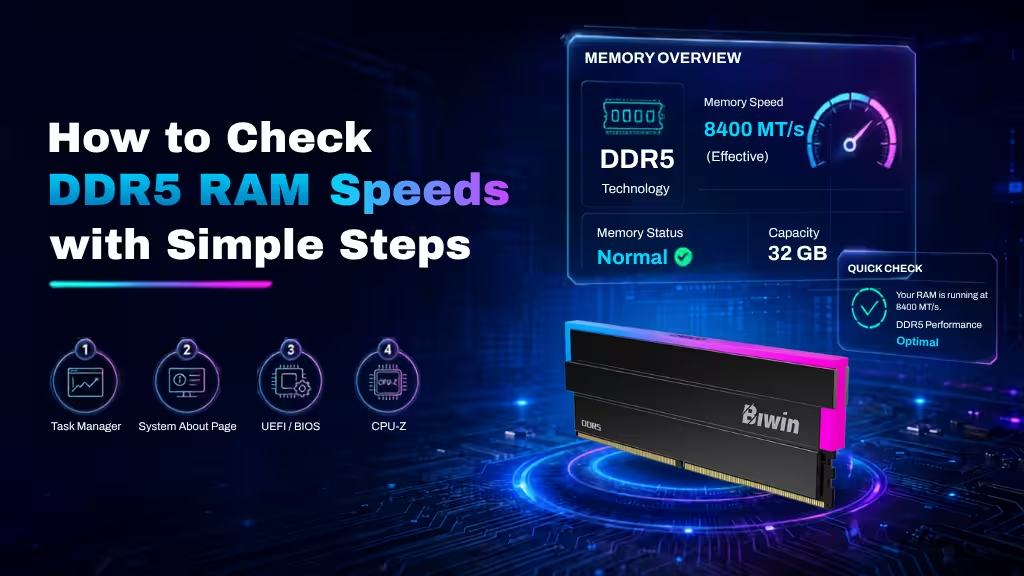
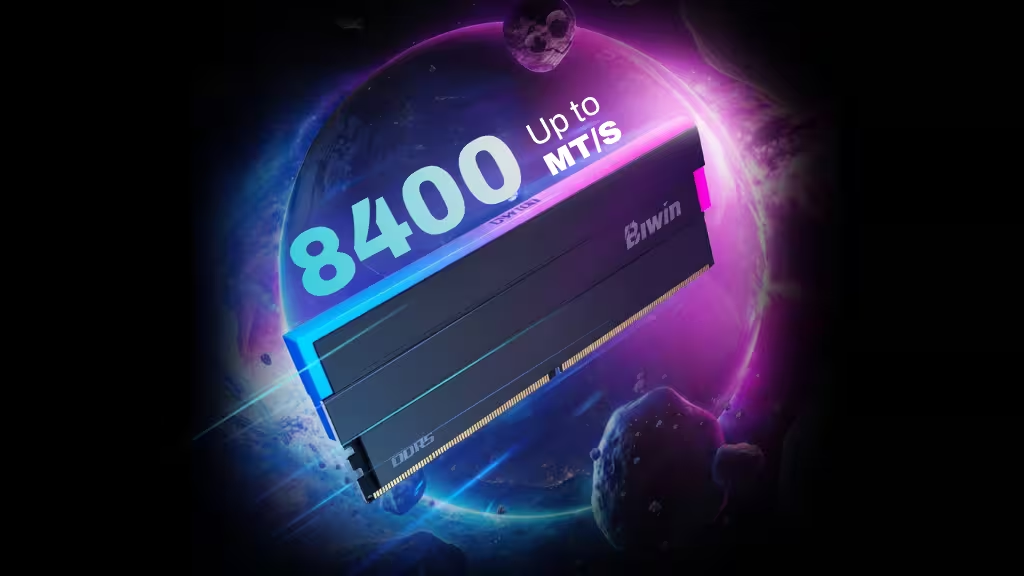
Once you’ve stepped up to 32 GB of RAM, memory performance and stability become far more important to overall gaming smoothness. The Biwin Black Opal DW100 DDR5 memory is designed for high-end gaming systems, pairing robust power delivery and a reinforced cooling structure with support for both Intel and AMD platforms. With high-speed configurations available (up to 8400 MT/s on supported systems), DW100 demonstrates what to look for in a performance-focused 32 GB memory upgrade—delivering faster data access, improved system responsiveness, and greater stability under sustained gaming and multitasking loads.
When would you need more than 32 GB?
For the vast majority of users in 2025, 32 GB of RAM is the “gold standard”—it is plenty for heavy web browsing, high-end gaming, and general office multitasking.
However, once you cross the threshold into simulations or specialized professional workflows, 32 GB quickly becomes a bottleneck.
You generally need more than 32GB when your computer stops just running applications and starts hosting entire environments or processing massive uncompressed data streams.
| Scenario | When 32GB Isn’t Enough |
| Professional Video Editing | 4K & 8K Footage: Simple 4K cuts are fine on 32GB, but if you use Adobe After Effects or complex color grading in DaVinci Resolve, RAM is used to preview cached frames. 32GB fills up in seconds, causing the preview to stutter or crash. |
| 3D Rendering & Animation | Poly Counts & Textures: Scenes with hundreds of millions of polygons (e.g., Blender, Maya) or 8K texture maps need to be loaded entirely into RAM before the CPU/GPU can render them. |
| Virtualization (VMs) | Allocated Memory: If you are a developer running 3 virtual machines (e.g., one Linux server, one Windows sandbox, one database), and you allocate 8GB to each, you have already used 24GB. The host OS will choke with only 32GB total. |
| Niche Simulation Gaming | Asset Loading: Standard games don’t need this, but titles like Microsoft Flight Simulator 2024 (especially in VR) or heavily modded Cities: Skylines II with thousands of custom assets can easily exceed 40GB of RAM usage. |
For peak performance, ensure you’re using a high-end memory kit like Biwin’s Black Opal DW100 DDR5 memory.