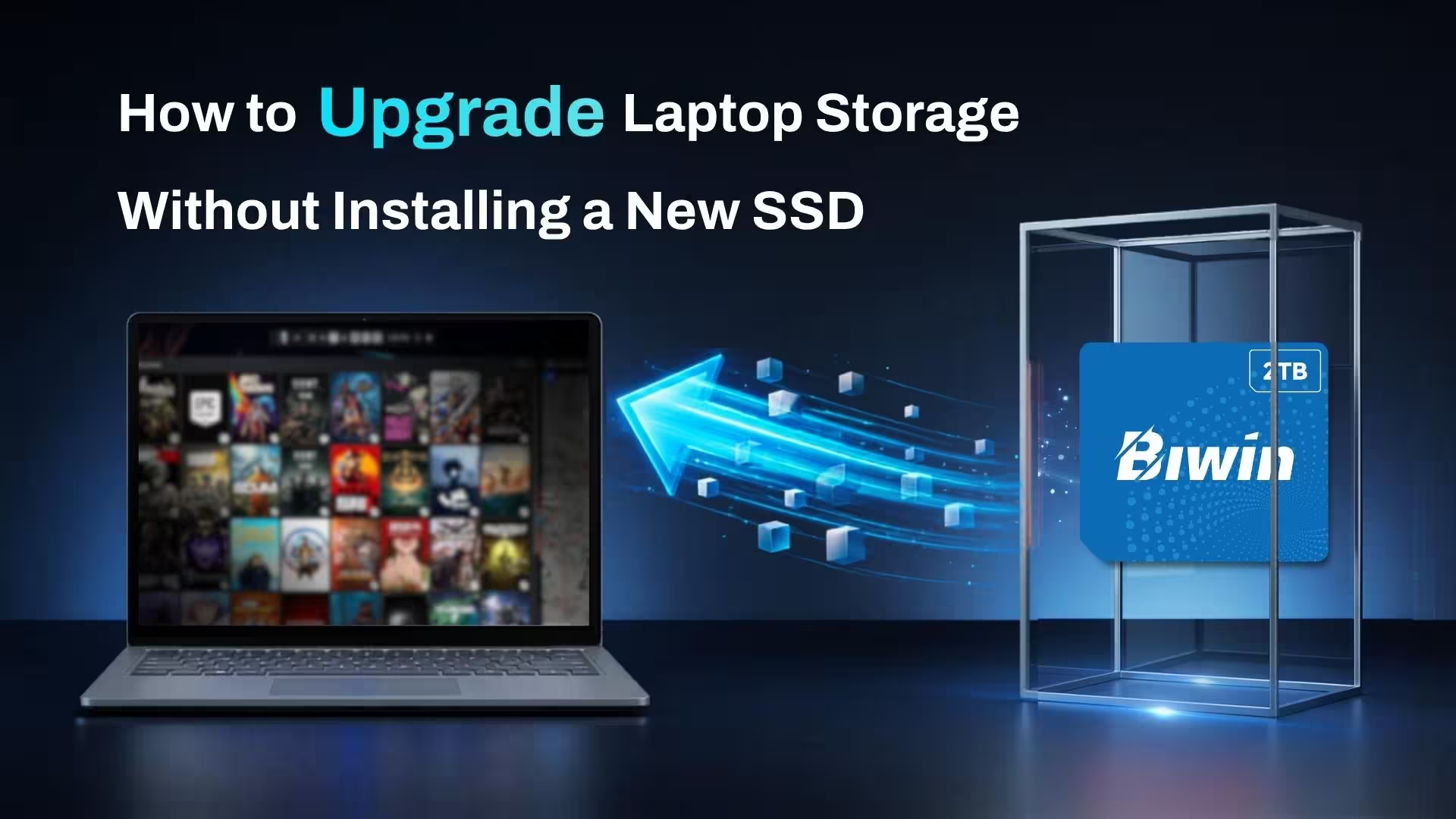
If your laptop’s storage is running low, installing a new SSD is one way you can expand it. If that’s not possible or you don’t want to risk voiding your warranty, you could always use an external SSD. The latest models are very fast and when paired with a capable USB slot can provide all the bandwidth you need for high-speed storage, without needing to open up your laptop to install it.
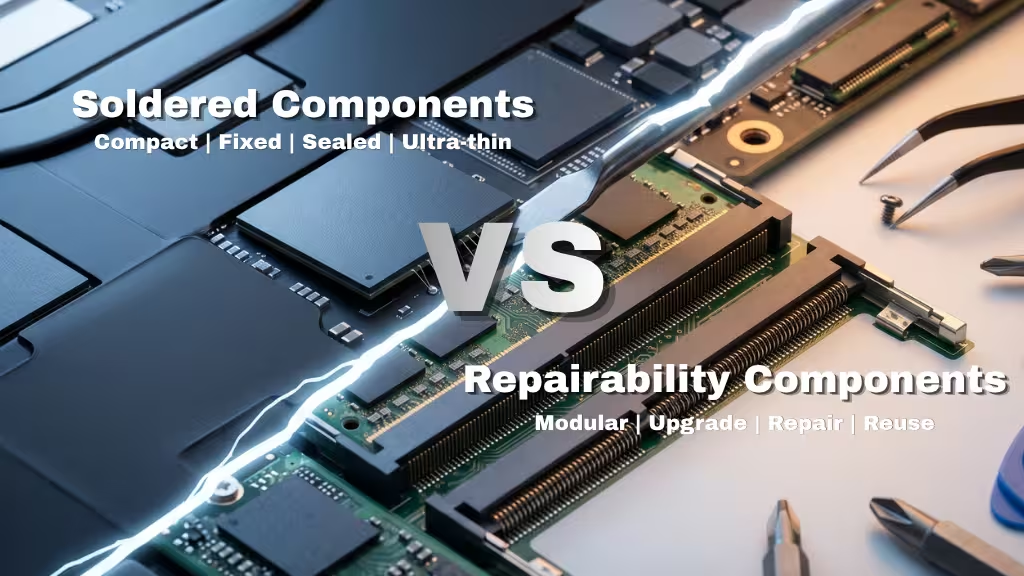
Modern entry-level laptops often ship with inadequate storage. Although that does help keep the original cost down, it’s easily filled with just a handful of modern games, or with standard collections of family photos and videos. Soldered SSDs and hard-to-open laptop chassis can make upgrading with a new internal SSD difficult, or almost impossible. Fortunately, external SSDs are now fast enough that they make a fantastic alternative when you need more fast storage space.
There are a range of different options you can use, too. From bespoke external SSDs, to SD cards and internal SSDs fitted inside USB cases, to even new standards of external storage that Biwin is developing at the cutting edge.
External SSDs
External SSDs are exactly what they say they are: An SSD that you use outside your device. They have a hard shell chassis to protect them from the elements, and a USB connection for both power and data. They come in a range of different shapes and sizes, too, from compact miniature SSDs like the Biwin Amber PM2000, designed to augment storage in phones, tablets, and laptops, to larger external SSDs that cater more specifically to laptops and desktops.
Performance and storage capacity can be excellent, too. Although there are still plenty of older, slower external SSDs still available, the latest devices can offer upwards of 2,000 MBps sustained read and write speed, rivaling some PCIe 3 internal SSDs. With multiple terabyte capacities, too, you can massively expand the available storage on entry-level laptops with ease using one of these drives.
You don’t even need a specialized connection. Although there are some external SSDs designed with Thunderbolt 4/5 and USB4 in mind, all of them work with any USB-C connection, so you can enjoy fast data transfer rates even if all you have to hand is a USB-C port from a few generations ago. You’ll get the best performance if you match your USB port with the USB generation of the SSD, but it’s not mandatory.
If you don’t like any of the available options, you can always use an internal SSD as an external SSD, by adding it to a compatible chassis. These are available from third-parties and Biwin can’t speak to their quality or performance, but a Biwin internal SSD in a capable enclosure will deliver fantastic performance as long as the connection is fast enough.
SD cards
Some laptops have an SD card or microSD slot, and though they aren’t as fast as external SSDs, they are an affordable and simple way to quickly upgrade your laptop’s storage. Like an external SSD, you can just plug them in and you’re off and running with a terabyte or more of additional storage capacity.
Depending on the performance you’re looking for, Biwin offers a range of SD and microSD cards at different ratings and capacities. Even the best aren’t fast enough for direct gaming, though, so consider these a better option for expanding your long-term storage for photos, videos, and other large files.
The Future: Mini SSD
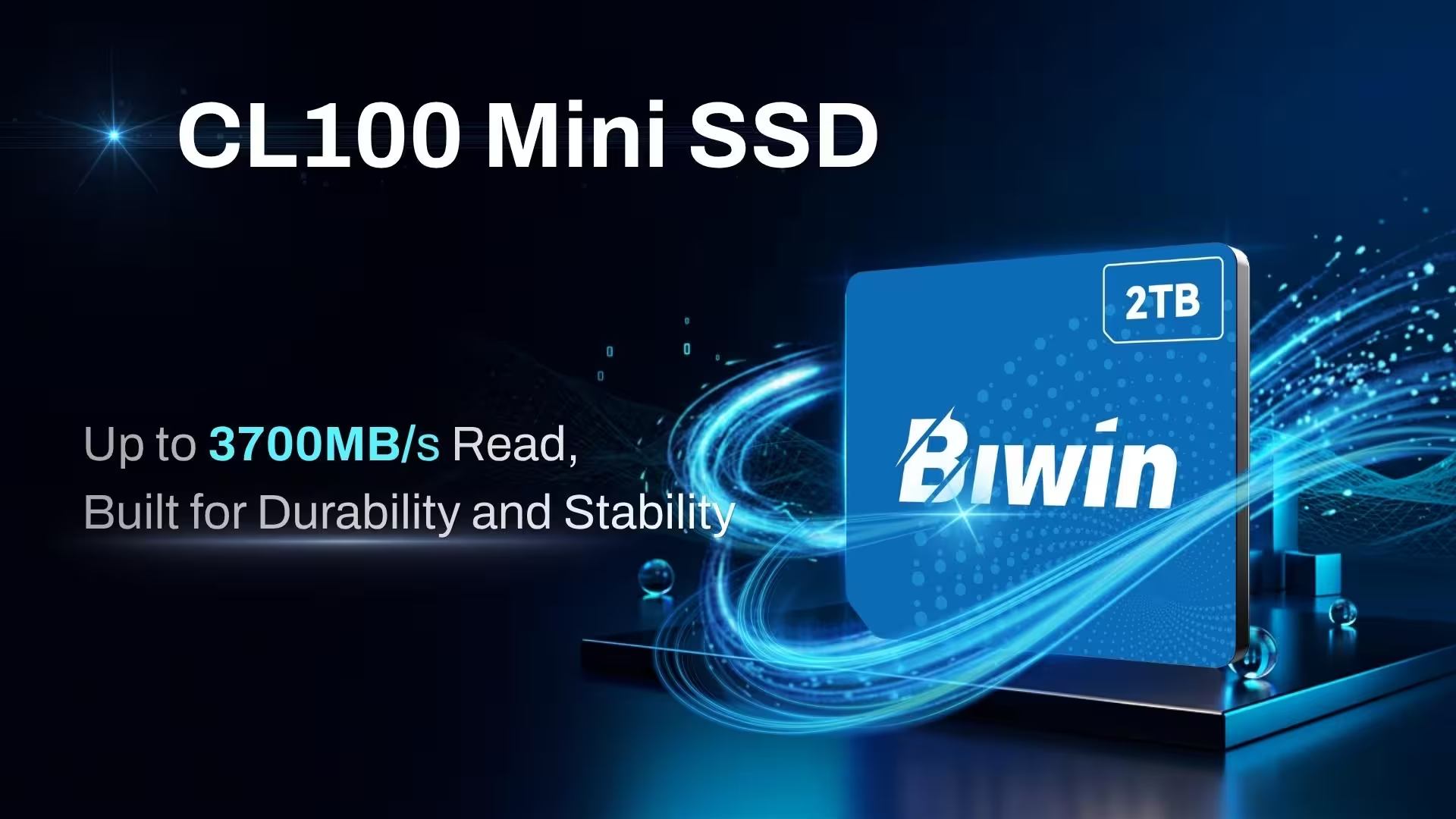
Biwin is constantly developing new storage technologies, but one we’re particularly proud of is the CL100 Mini SSD. This new storage technology combines the performance of NVMe SSDs with the portability of microSD cards to offer something new. Currently available in a handful of portable gaming systems, like the GPD Win 5, Mini SSDs offer extreme data transfer speeds of up to 3,700 MBps read and up to 3,400 MBps write, making them rival some of the best PCIe 3 SSDs – but at a similar size to a microSD card.
Available in capacities up to 2 TB, Mini SSDs may well be the future of expandable storage in portable devices. Watch this space.
More storage for everyone
Modern laptop designers love to cut costs by cutting back on storage, and it’s leaving many laptop owners without the space they need for what they want to do. Upgrading the internal SSD is always a great option, but if that’s not possible or you don’t want to perform the upgrade yourself, external SSDs and SD cards are a great alternative. And now, Mini SSDs will be too.