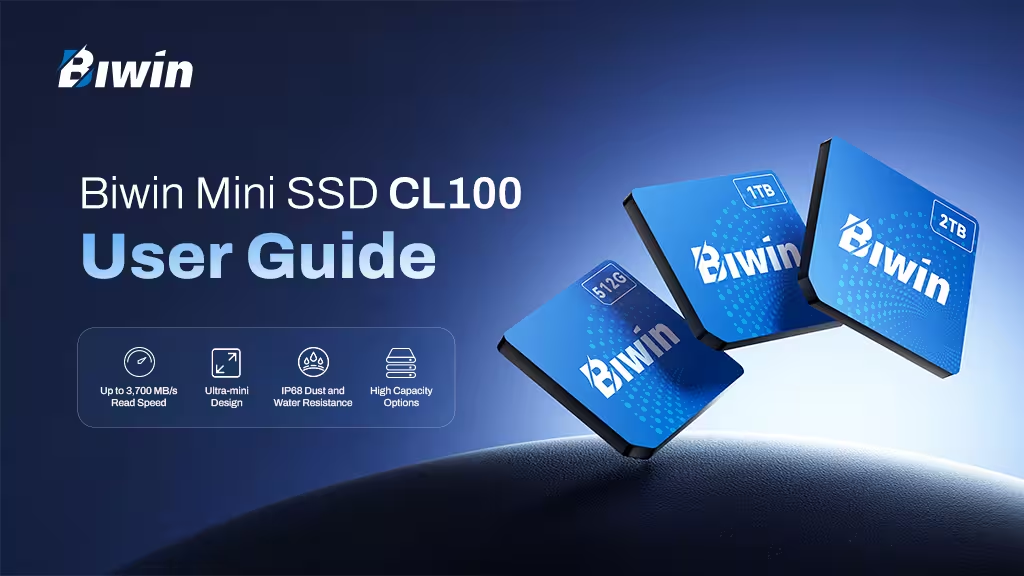
Meet the Biwin Mini SSD CL100
An award-winning solution that expands storage capacity for gamers, creators, and mobile professionals, the Biwin Mini SSD CL100 brings high speed performance to an ultra-compact form factor.
Key Features
- Up to 3,700 MB/s Read Speedfor faster game loading, speedier file transfers, and quicker application launches. PCIe 4×2 interface and NVMe 1.4 protocol.
- Ultra-miniDesign that fits easily into any compact devices and handheld gaming systems with a Mini SSD slot (or into an external Mini SSD card reader with USB-C compatible with most modern computing devices).
- IP68 Dust & Water Resistance and Shock-proof(withstands drops from up to 3 meters) for enhanced durability and protection.
- High Capacity Optionsto meet the increasing storage demands of games, media libraries, creative projects, AI-assistance and everyday files.
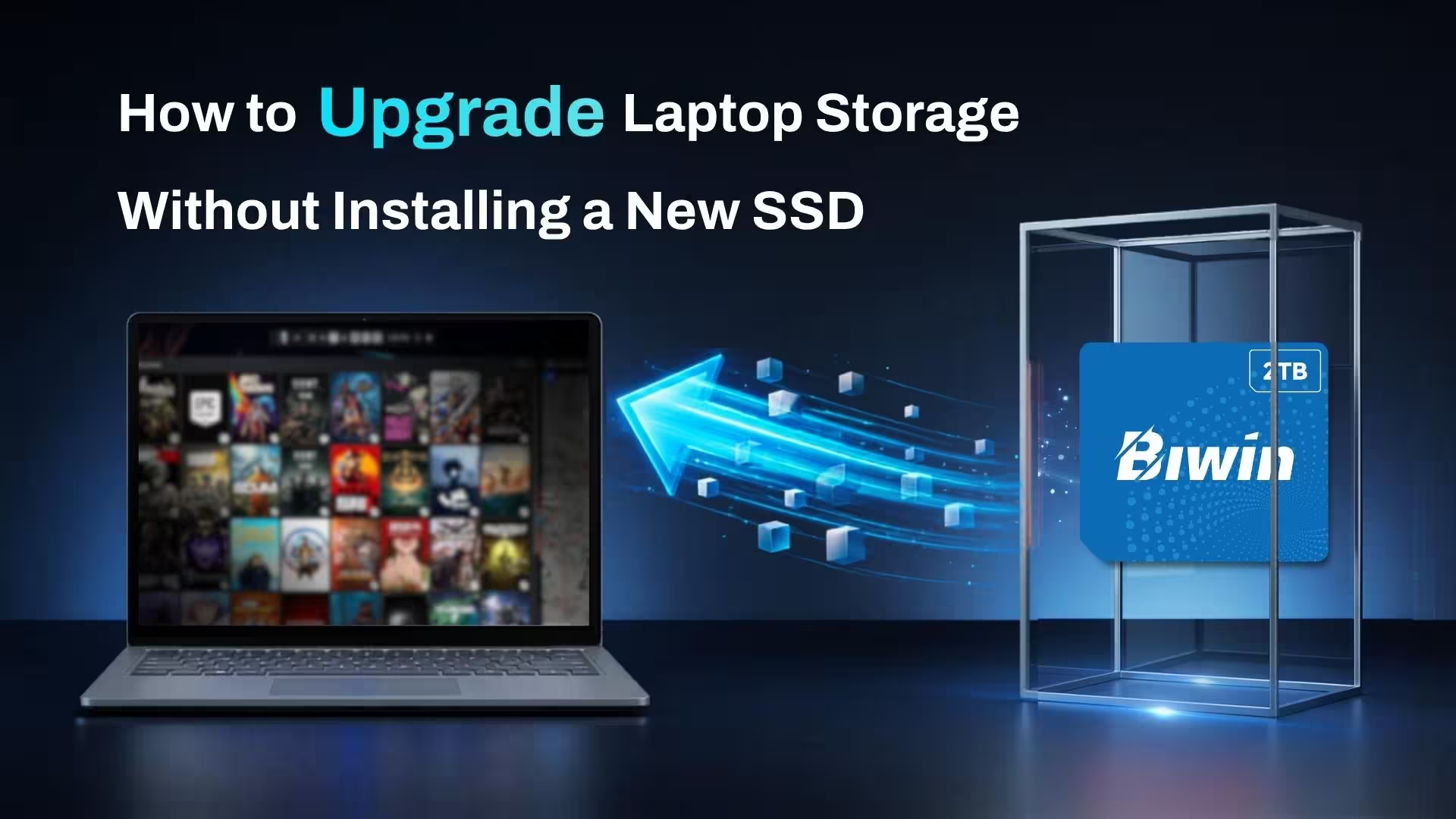
Whether you’re upgrading a gaming handheld or expanding storage for a portable or mini PC, the CL100 delivers speed, reliability, and convenience in a remarkably small package.
Broad Device Compatibility
With the companion card reader, Biwin RD510 Mini SSD Reader, CL100 offers broad compatibility, delivering seamless integration with a wide range of devices and operating systems. It supports Windows 10/11, PlayStation 5 08+, iOS 17.0+, macOS 11.0+, and popular Android versions, including Android 11.0+, HyperOS 1.0+, and HarmonyOS 3.0+ for flexibility in use across various platforms.
The Biwin Mini SSD CL100 is also compatible with a wide range of devices with built-in Mini SSD, including:
- GPD WIN 5 Handheld Gaming PC
- OneXPlayer X1 Air 3-in-1 PC
- OneXPlayer Super X Laptop
- OneXPlayer Super V Laptop
- OneXPlayer 3
- OneXPlayer OneXFly APEX
- OneXPlayer OneXFly APEX Air
- OneXPlayer X2 Mini
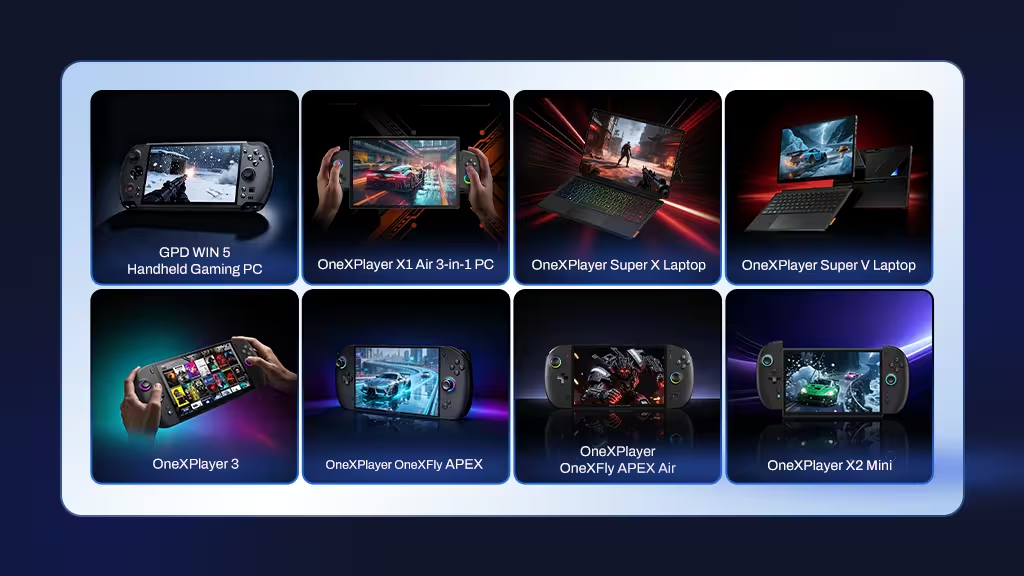
Before insertion, please confirm your device supports the Mini SSD form factor and the corresponding storage capacity.
Insertion Guide
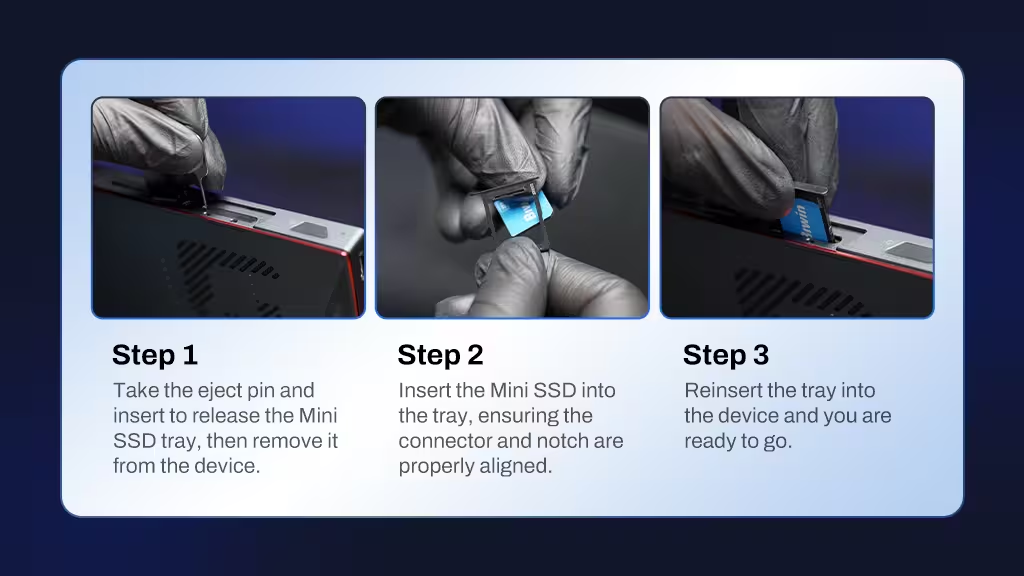
Inserting the CL100 is quick and easy.
Please refer to the diagram below for detailed insertion steps.
Mini SSD FAQ
How do I know if my device supports a built-in Mini SSD?
Check whether your device has a Mini SSD slot mark, and, if so, confirm the maximum capacity supported by your device. Select the corresponding capacity to ensure normal use.
Can the actual read/write speed be different from the manufacturer-rated speed?
Real-life read/write speeds usually vary depending on the SSD controller, algorithm, host device, usage environment, file size, and workload. Speed differences under different usage conditions are normal.
Why does the displayed capacity differ from the labeled capacity?
1 GB equals 1 billion bytes in decimal calculation. In actual use, a small part of the capacity is reserved for system files and maintenance, so the displayed capacity may differ from the labeled capacity.
What is the difference between a Mini SSD and a standard SSD?
The Biwin Mini SSD packs a powerful PCIe 4.0 NVMe SSD into an ultra-compact card-style design, significantly smaller than a traditional SSD, making it ideal for handheld gaming devices, ultra-thin laptops, and other space-constrained systems. The CL100 also offers IP68-rated dust and water resistance, shock resistance, and low-power operation for enhanced portability and durability.
Traditional SSDs are larger, require internal mounting for installation, and are primarily designed for desktop PCs and mainstream laptops.
Is my data covered under warranty?
We recommend regularly backing up important data stored on your Mini SSD. Biwin’s warranty service covers hardware-related issues only and does not include data recovery or compensation for lost data.
To help recover accidentally deleted or lost files, Biwin also provides the Biwin Data Recovery Tool, a free official data recovery utility available for download from the Biwin website. Recovery results may vary depending on the condition of the drive and the extent of data loss.
Learn More
Ready to unlock fast, compact, and reliable storage for your device?
Explore the Biwin Mini SSD CL100 today and experience powerful PCIe NVMe storage in an award-winning compact form factor built for the next generation of portable computing and gaming.