The latest SSDs are faster than ever, but the faster they get, the more heat they output. That means that certain drives in certain systems can benefit from a heatsink to maintain safe operating temperatures. That ensures that the drive operates at peak performance without thermal throttling, and that it will maintain that performance throughout its lifespan.
Heat is one of the major enemies of computing components. The hotter they get, the worse their performance becomes and the more likely they are to degrade quicker. That’s why all the hottest and most in-demand components have their own coolers: CPUs, graphics cards, and even memory sports their own heatsinks. But what about SSDs? Do you need a heatsink on your M.2 SSD?
That really depends on the SSD, your system, and what you want to do with it. Although it never hurts to add a heatsink to any components that heat up during use, whether you need one is up to you.
Do M.2 SSDs need heatsinks?
The short answer, is that most of them don’t. Older PCIe 3 drives and even some PCIe 4 SSDs, just don’t run fast enough to get hot enough to cause any problems. They might feel a little warm to the touch when they’re moving lots of data around, but they aren’t likely to overheat and require a heatsink to maintain safe operating temperatures.
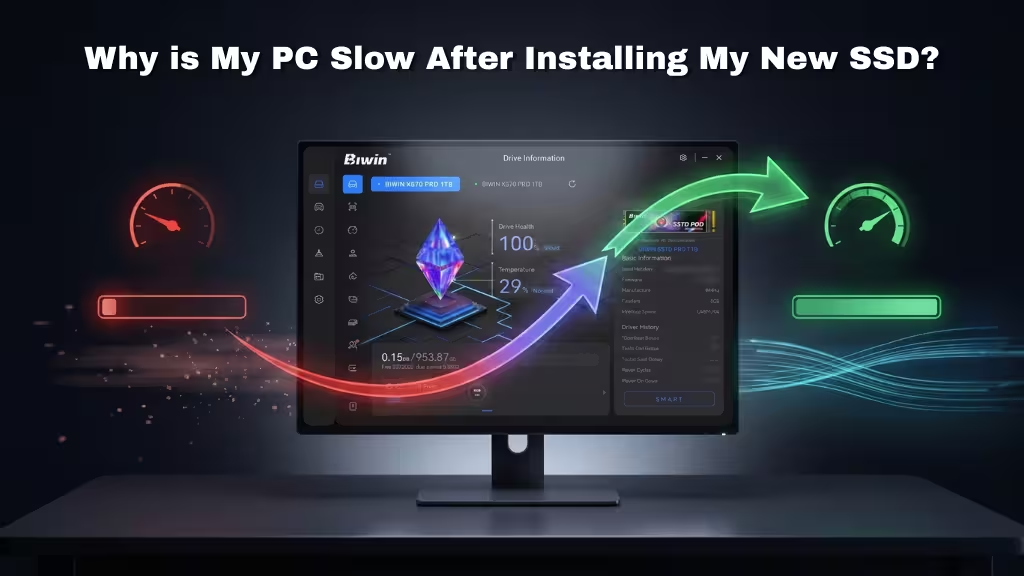
That might change if they’re packed tightly into a small case without adequate airflow. That’s why Sony recommends a heatsink on new SSDs added to the PlayStation 5, for example. If you’re running any SSD in a tight, hot case, then it doesn’t hurt to add a heatsink if you want to make sure it’s not overheating. If you’re using a Biwin SSD, you can also use Biwin Intelligence Software to track your drive’s operating temperature. If it gets too hot, the software will tell you and you can react accordingly.
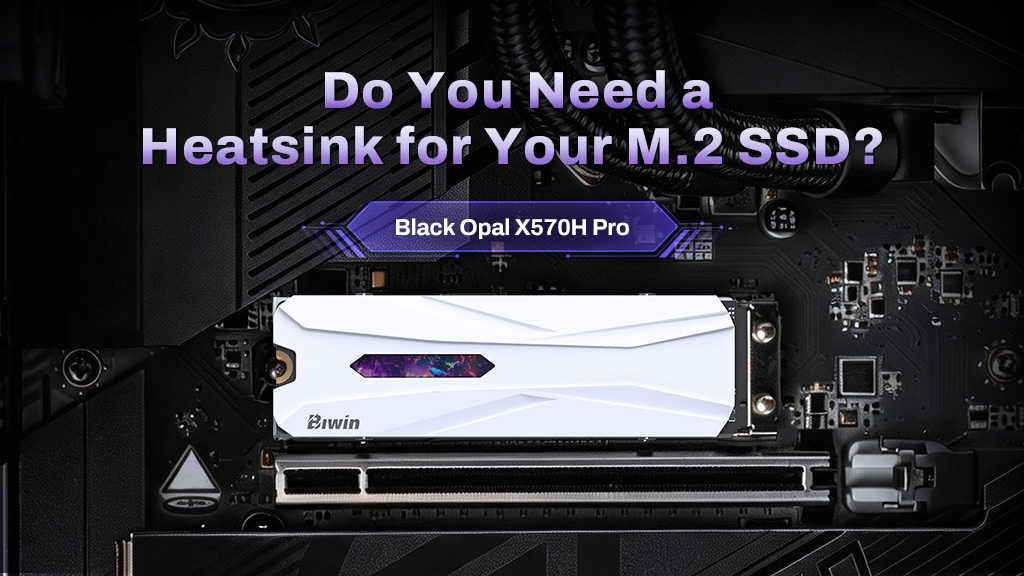
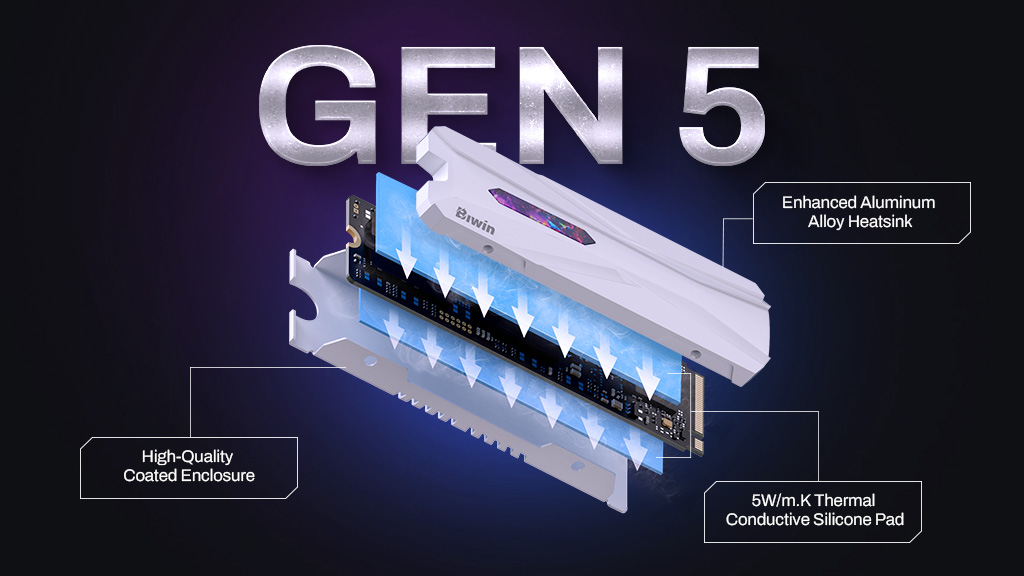
For high-end SSDs, like the Biwin Black Opal X570H Pro, it’s easier to recommend a heatsink as these drives do get much hotter during everyday use. Having system fans that actively blow cooler air across the drive is arguably more important, and can mean you don’t always need a heatsink as well, but it’s still recommendable. There’s little point in upgrading to a super-fast, modern PCIe 5 SSD if it runs so hot that you can’t enjoy its peak performance. Having a heatsink just ensures that it will run as fast as it can when you need it, for many years to come.
Can you upgrade an M.2 SSD with a heatsink?
Absolutely you can. Although many SSDs are sold with a heatsink option, there are plenty of third-party heatsinks and heatspreaders you can use to enhance the cooling for your SSD after you’ve bought it. This can be a great way to extend the life of an SSD, as running cooler helps avoid wear and tear on the drive which will reduce its performance and operational lifespan.
The most important factor in buying an aftermarket heatsink is that it’s compatible with your SSD and your system. It needs to be the right form-factor for your drive, such as 2280, or 2230, depending on its size. It also needs to physically fit properly when the SSD is attached to your motherboard. Some of the third-party options have particularly large or tall heatsinks, which could create clearance issues. Be sure to check measurements before buying.