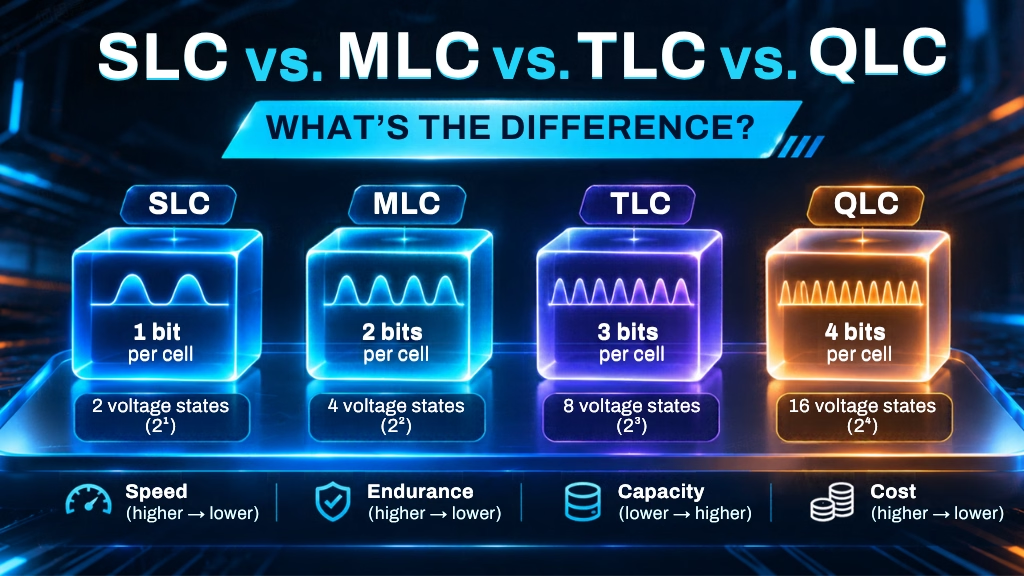
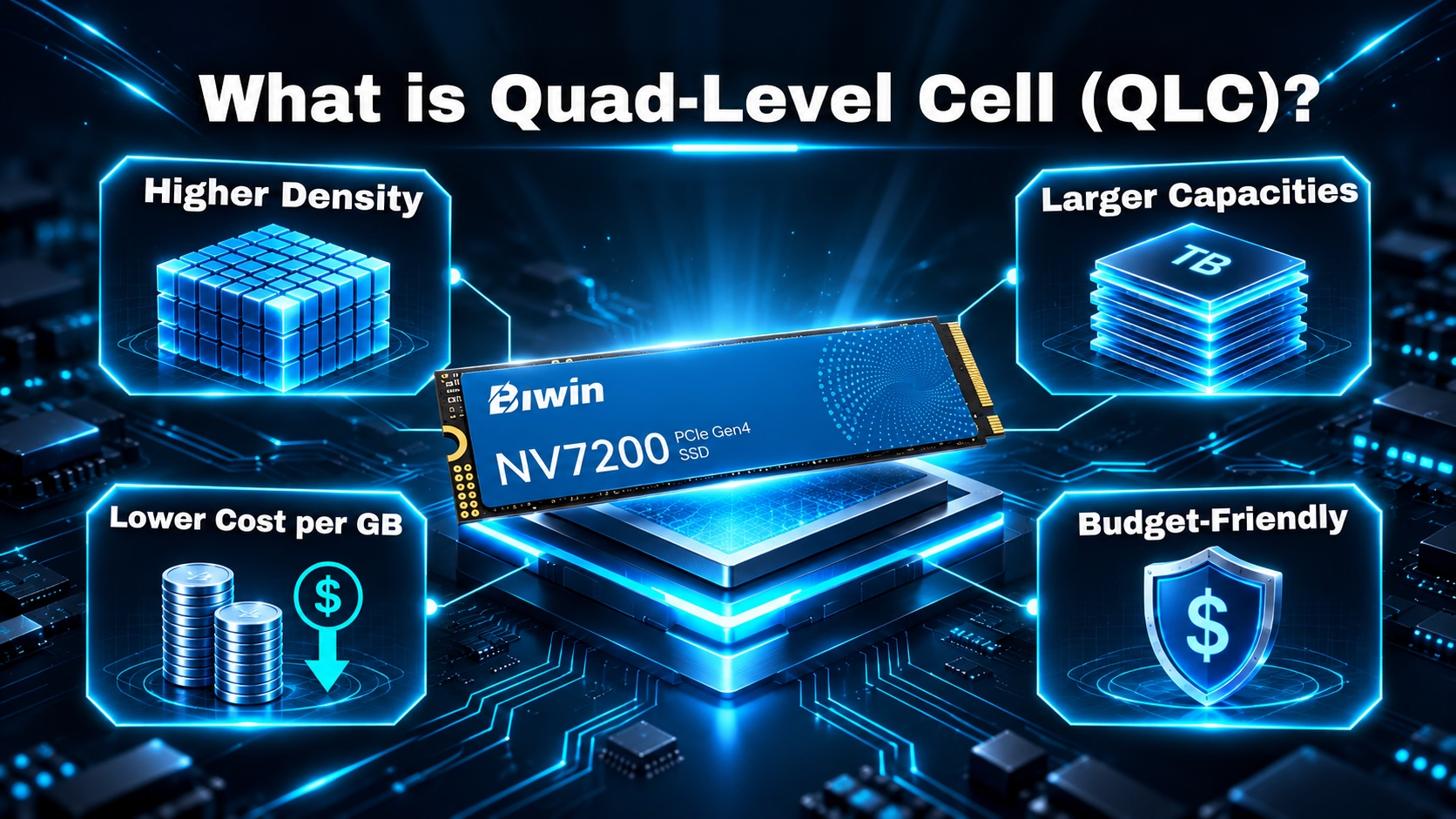
Quad-level cell, or QLC is, a type of memory cell used in storage devices like SSDs, built to hold four bits of information. It’s similar to a multi-level cell, or triple-level cell, but where those hold two and three-bits of information, respectively, quad-level cells can hold four. This increases storage density but can lead to a reduction in performance and longevity.
QLC, or quad-level cell, is a type of NAND Flash memory cell used in storage devices like SSDs. Like Single-Level Cell, multi-level cell, and triple-level cell before it, quad-level cells are designed to hold data, but at a greater density, by holding four bits of information per cell, where others can only hold between one and three bits. This makes it cheaper to produce higher-capacity storage devices using QLC, but it does come at the cost of performance and longevity.
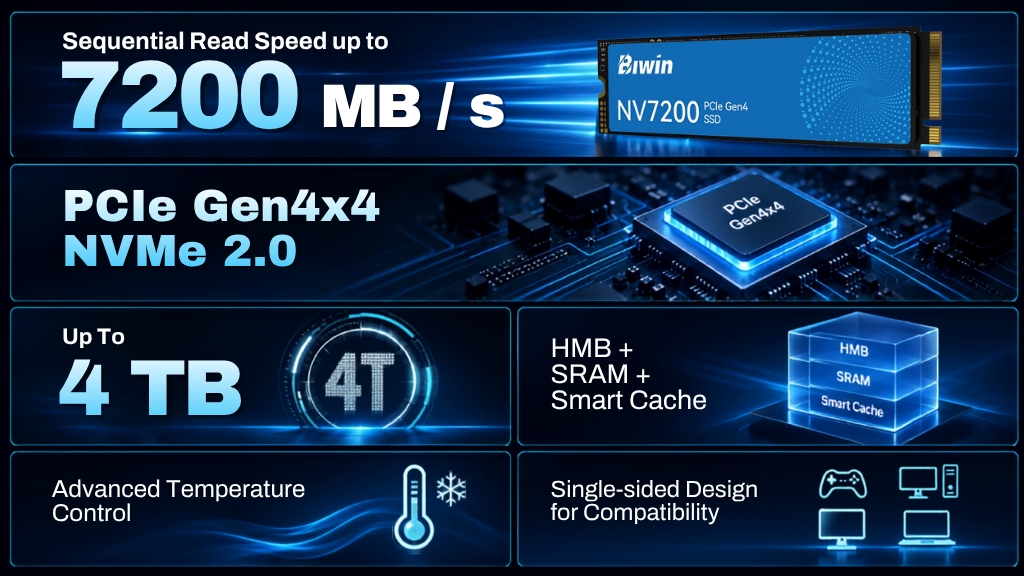
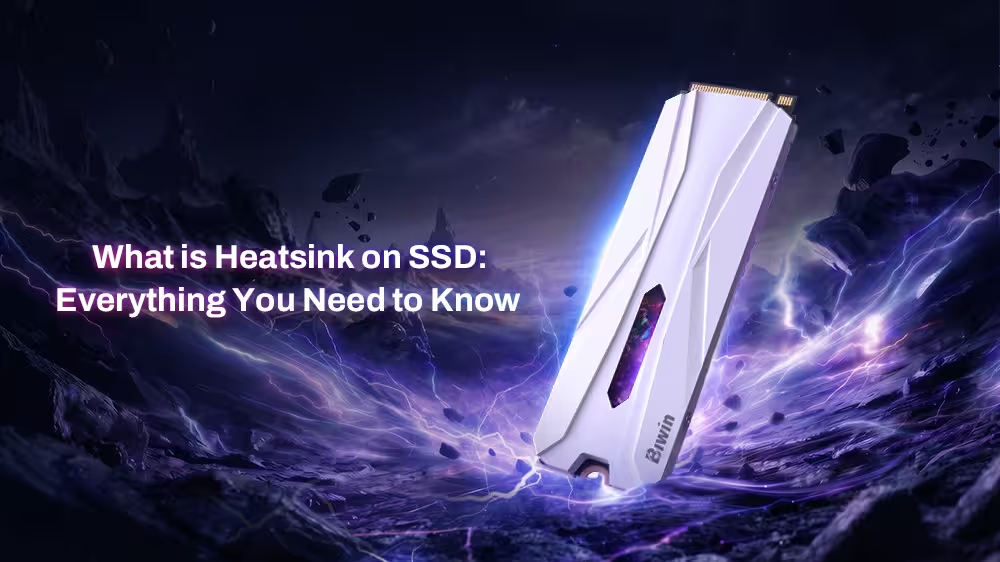
QLC was first introduced in the late-2000s to further compact memory cell design to improve storage density and reduce manufacturing costs. However, it wasn’t until later in the 2010s that QLC-based SSDs became commonplace. Today, in the mid-2020s, QLC is found in more affordable storage drives, like the Biwin NV7200 PCIe 4 SSD.
They’re an excellent way to increase storage capacity while working within tighter budgets. Considering the inflated prices of memory and SSDs in 2026, that’s often a useful way to reduce the portion of your system budget spent on storage.
What makes QLC different?
QLC works just like other types of NAND Flash memory cell, but with greater density and complexity. To achieve its greater storage density, a QLC memory cell needs to hold one of 16 different voltage states at any one time. Because of this increase in complexity, QLC NAND Flash cells translates to a reduction in performance and longevity.
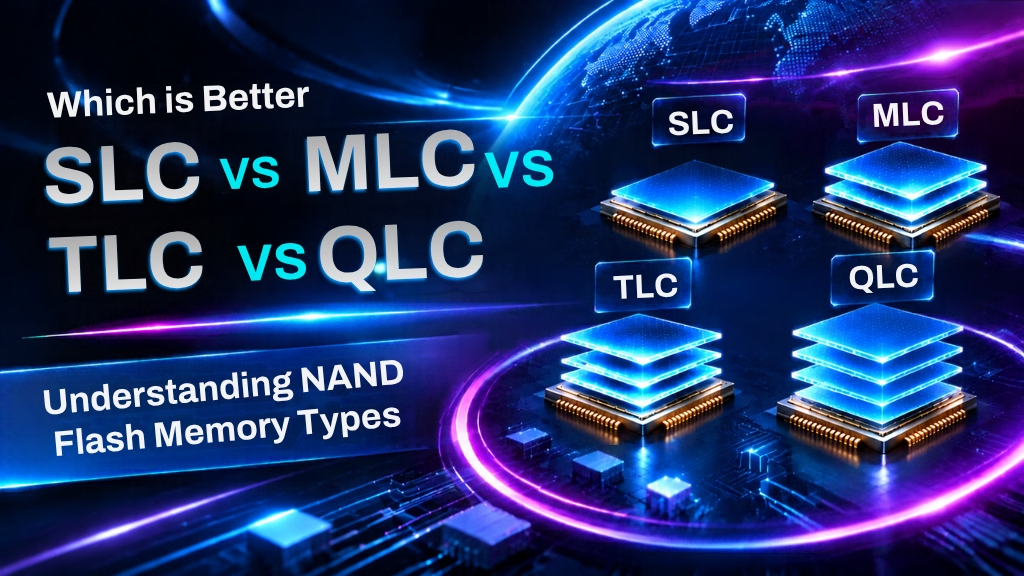
To better understand how QLC compares with other NAND Flash technologies, explore Which is Better, SLC, MLC, TLC, or QLC? How to Choose
With the ability to build storage drive capacity from fewer memory cells, however, QLC makes it possible to make SSDs and other storage devices with less cost, allowing them to be sold at cheaper prices to consumers. QLC helped make SSDs as affordable as they once were, and it’s helping to keep prices down now that SSDs and other memory-related products have become so expensive due to global shortages.
QLC vs. TLC
When buying a new SSD, you’ll often be faced with the question of whether it’s worth spending on an TLC SSD or a QLC one. The raw performance, write endurance, and specific features of the SSDs can vary dramatically from drive to drive and manufacturer to manufacturer, but for the most part you’ll find that TLC SSDs offer better read and write performance than QLC SSDs, as well as improved write endurance.
Where a QLC SSD may have a TBW rating of between 100 and 400, meaning you can write to the drive up to 400 times its maximum capacity before you’ll see clear degradation in performance, a TLC SSD can have a rating in excess of 1,000 TBW in some cases.
In reality, most consumers aren’t likely to use up an SSD’s TBW rating throughout the lifespan of the drive. Even with less durable QLC drives, you’re still able to completely erase the drive and fill it hundreds of times before you’ll run into issues. With average everyday use, that’s unlikely to happen for years or even decades.
TLC SSDs tend to have larger SLC caches, too, which can give them a greater ability to maintain peak performance during long write operations. In comparison, QLC SSDs can run out of their SLC cache with particularly long or arduous write operations, which can lead to a fall in performance part way through, and greater disparity in overall performance compared to TLC drives.
Is a QLC SSD worth it?
In the modern climate of expensive SSDs and memory, absolutely. Although a QLC SSD or memory card might not offer the same endurance and performance as TLC SSDs, the affordable option will often be the QLC SSD. You may want to consider a TLC SSD for an operating system or boot drive, and then use a QLC one for games and applications that don’t require such heavy write tasks, but whatever you buy must work within your budget.
If a QLC SSD fits your budget better than a more capable, but more expensive TLC SSD, then go for the QLC option. If you have particular performance or endurance needs, a TLC SSD may be the better choice.
QLC in a Modern SSD
Not every QLC SSD will perform quite the same, even if they’re using the same type of NAND Flash memory. Caching makes a difference here, particularly when you’re moving larger files around or writing data to the drive for extended periods. And there’s the controller to consider, too.
The Biwin NV7200 PCIe 4.0 SSD uses caching to help keep everyday tasks responsive, with capacities up to 4 TB for users who need more room for their files and applications. Sustained writes can still be a problem for QLC, especially once the cache fills up. For someone mainly installing games, storing photos, or using their PC for everyday work, though, that may not be much of an issue.