Cyberpunk 2077 is one of the best looking games released in the past five years, but it’s also incredibly demanding, especially at high settings. If you want to turn on all the raytracing prettiness of this gorgeous sci-fi game, then you need to know: Can my PC run Cyberpunk 2077? Here’s how to find out.
If you have a new graphics card or a new gaming PC, then one of the best games to use to really see what it can do, is Cyberpunk 2077. Released in 2020, it’s not as cutting-edge as it once was, but with major updates from developer CD Projekt RED over the past few years, it’s still one of the best looking games out there, and one of the most demanding to run.
No matter what graphics card you have, if you turn up on the settings on this one, your system will feel the challenge.
But you don’t have to play with everything maxed out and you certainly don’t need the most powerful of hardware to get this game running. Here’s how to check your PC can handle Cyberpunk 2077.
Cyberpunk 2077 System Requirements
The most straightforward way to check if your PC can run Cyberpunk is to check the minimum system requirements. To play the game at low settings, 1080p resolution with an average FPS of 30, you need to meet or exceed the following:
- CPU: Intel Core i7 6700, AMD Ryzen 5 1600
- Memory: 12GB
- Graphics: NVIDIAGTX 1060 6GB, AMD RX 580 8GB, Intel Arc A380
- Storage: 70 GB SSD
These are specifications that most modern PCs or any gaming PC released in the past five years, should have no trouble matching. If you can’t quite manage it, upgrading to something more modern is likely the best solution. Although second-hand component upgrades are possible, there’s no way to guarantee quality or longevity, so it’s not recommendable.
If you have a more powerful system, you might be able to meet or exceed the more demanding system requirements. CD Projekt RED’s “Recommended” system for Cyberpunk 2077 is a PC that can meet or exceed:
- CPU: Intel Core i7-12700, AMD Ryzen 7 7800X3D
- Memory: 16GB
- Graphics: NVIDIARTX 2070 Super, AMD RX 5700 XT, Intel Arc A770
- Storage: 70 GB SSD
With a system like that, you can expect to enjoy a smoother 60 FPS at 1080p, with all detail settings set to “High.”
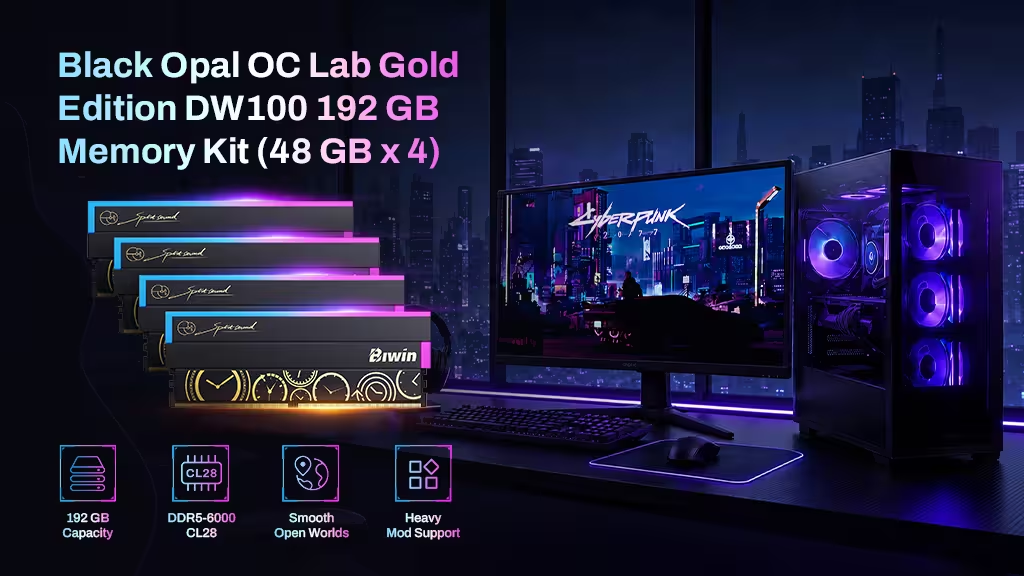
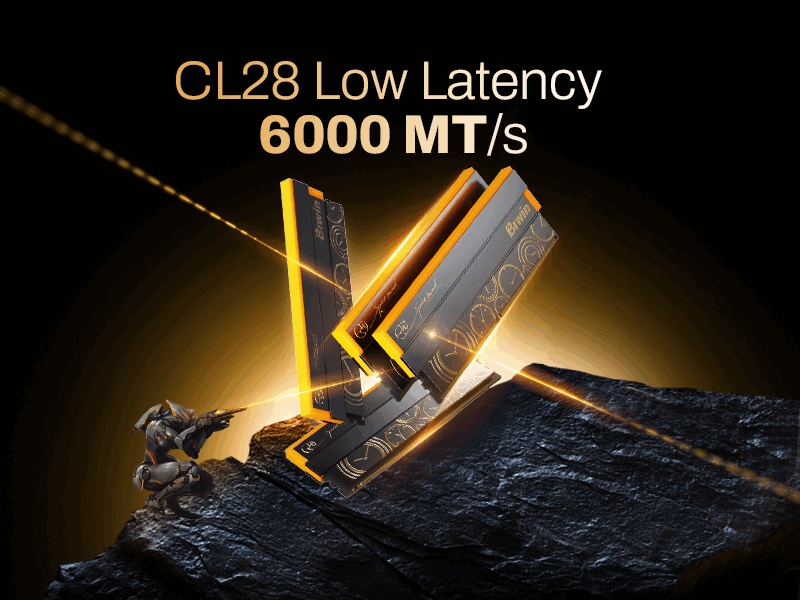
Cyberpunk is one of those games that scales well with improved hardware and there are plenty of additional options you can enable if you want to push a powerful PC. The very top system requirements recommend an RTX 4080 and a high-end, modern processor, but you will see even better performance with the latest RTX 50-series and RX 9000 graphics cards, as well as running higher-performance memory, like Biwin’s Black Opal OC Lab Gold Edition kits.
Run the Benchmark
To find out not just whether your PC can run Cyberpunk 2077, but how well it can run it, the built-in benchmark is the best tool for the job. With it you can choose game settings that target certain detail settings and performance results, and then run the benchmark to see how well it manages it.
You can find the Cyberpunk Benchmark within the game’s graphics settings. Just choose the settings you want the game to run at, then press the benchmark button or keyboard shortcut and watch it play out. Each run is short, taking less than a minute, and the results at the end give you details on average frame rates and time taken, as well as some of your chosen settings.
You can use the results to fine tune your settings. If your FPS is particularly high, you can raise visual settings for a better looking game. If it’s too low for your liking, consider enabling more upscaling features, or lowering some settings to improve your frame rate.
Cyberpunk and beyond
Now that you’ve seen how well your PC can run Cyberpunk 2077, how about some other gaming challenges? There are more modern games which will give your system a real workout. Check out Microsoft Flight Simulator 2024, Hellblade II: Senua’s Saga, Indiana Jones and the Great Circle, and Alan Wake 2, for some beautiful games that will put your PC through its paces. Want to squeeze even more performance out of your rig? Click here for easy tips on how to optimize your PC for gaming.
Push Cyberpunk 2077 Further with Extreme Memory Headroom: Biwin Black Opal OC Lab Gold Edition DDR5 192GB Kit
Cyberpunk 2077 doesn’t just test your GPU, it can also push system memory when you start turning on high-resolution textures, ray tracing features, and background-heavy open-world systems. For players aiming to keep performance smooth while maximizing visual settings, having a large and fast memory pool becomes increasingly important.
The Biwin Black Opal OC Lab Gold Edition 192GB DDR5 kit (48GB x 4) is built for high-capacity, high-performance platforms that demand both bandwidth and stability. With DDR5 architecture and an optimized OC Lab tuning approach, it delivers strong data throughput to help reduce bottlenecks in memory-intensive scenarios such as large asset streaming, heavy multitasking, or modded game environments.
In demanding titles like Cyberpunk 2077, this extra headroom helps maintain smoother responsiveness when the system is juggling CPU, GPU, and background workloads simultaneously. It’s especially useful for creators, streamers, and enthusiasts who push their systems beyond gaming alone. Whether you’re exploring Night City at maximum settings or running multiple applications alongside your game, this memory kit provides the stability and capacity needed to keep everything running fluidly.