Description:
Choosing the best SSD for your PC means picking one that matches your system’s capabilities and offers the storage capacity and performance you need. With the right tips, you can get the right SSD for any budget.
If you need a new SSD for your PC, it’s worthwhile to pick the best one available so you can maximize your budget, get the best possible SSD performance, and ensure you have the capacity you need for all your apps and data. But you need to ensure you’re picking the right SSD from the right generation, and with the right storage space.
Here’s how to pick the best SSD for your PC, whatever your budget and needs.
How to Pick the Best SSD
To pick the right SSD for your system, you need to know what SSD types and generations it can support. Although older PCs are often restricted to SATA drives, most modern PCs can support a form of NVMe M.2 SSD. These use the PCIExpress interface, so you need to know what your motherboard can manage to pick the best SSD for the job.
Find out your motherboard’s make and model by looking in the manual, on the system manufacturer’s website, or by opening the case and looking at the motherboard itself. Once you have it, look on the manufacturer’s website to find which PCIexpress generation it supports. Usually this will be PCIe 5, PCIe 4, or PCIe 3. Be sure to confirm which generation the NVMe slots support, (even more important than more than the motherboard itself support), as sometimes the x16 slots are a newer standard than the storage slots.
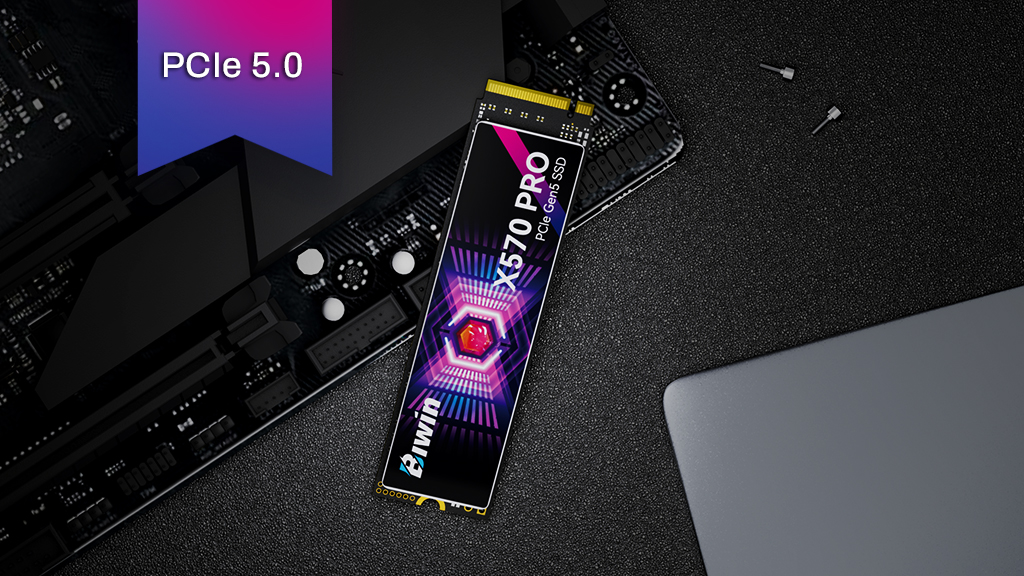
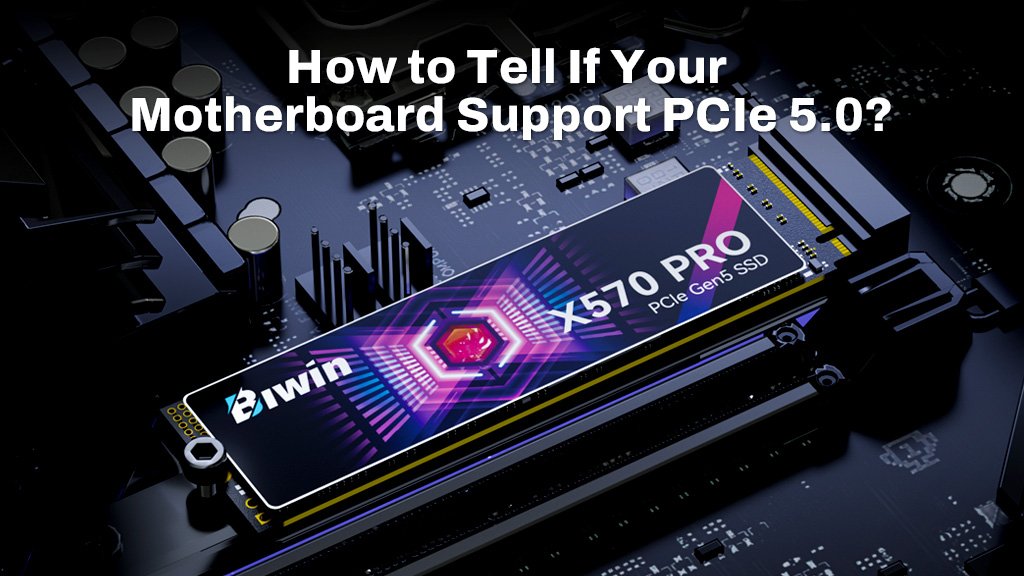
Once you know what PCIe generation your system handles, you can decide if you want full use of it. PCIe 5 drives like the Biwin Black Opal X570 PRO are fantastic, with incredible performance and energy efficiency, but for a lot of PC users, that’s far faster than they’ll need. If you want cutting-edge performance, PCIe 5 is the best you can get, but PCIe 4 and PCIe 3 SSDs still offer great everyday performance. If you’re unsure which PCIe generation is best for your setup, check out our detailed guide on: PCIe 4.0 vs. PCIe 5.0: Which One is Right for You?
One of the best aspects of PCIexpress technology is its backwards compatibility, so even if your NVMe slots support PCIe 5, you can plug in any older generation of compatible SSD, and it will run just fine – although limited to the performance of the oldest PCIe generation in the chain.
The next step is to decide on the capacity. Most SSDs start at 512GB, or half a terabyte. That’s plenty for casual users and light office work, but if you want to play games on your new SSD or store lots of personal data (particularly photos and video) then you’ll probably want at least a terabyte.
Modern SSDs are available in capacities up to 4TB, and there are some that even stretch to 8TB, so there’s plenty of scope for whatever storage needs you have.
Once you’ve decided on the type and capacity of your drive, it’s simply a matter of picking one that fits your budget and performance needs. Check out third-party reviews of individual SSDs to find the one that matches your budget and performance demands.
What about external SSDs?
If you find your PC isn’t easy to upgrade or you just want some SSD storage you can take with you, consider an external SSD. These aren’t as fast as their internal counterparts, and they can be more expensive since you’ll need a protective case with them, but they represent a convenient alternative for storage upgrades.
Recommended PCIe Gen 5 Builds: Biwin Black Opal X570 PRO SSD
For PCIe Gen 5 systems, sustained performance and responsiveness matter as much as peak throughput. The Biwin Black Opal X570 PRO SSD features a PCIe Gen5×4 interface and NVMe 2.0 protocol, combining an independent DRAM cache of up to 8 GB with random read performance of up to 2000K IOPS for faster system response under real-world workloads. Powered by a 6nm controller with up to eight NAND channels, the drive is engineered to maintain stability and efficiency during demanding tasks, while still delivering sequential read and write speeds up to 14000 MB/s and 13000 MB/s. With capacities up to 8 TB, endurance ratings up to 6000 TBW, and broad compatibility with Intel and AMD platforms, it serves as a practical reference for what to look for in a high-end, reliable PCIe Gen 5 SSD.