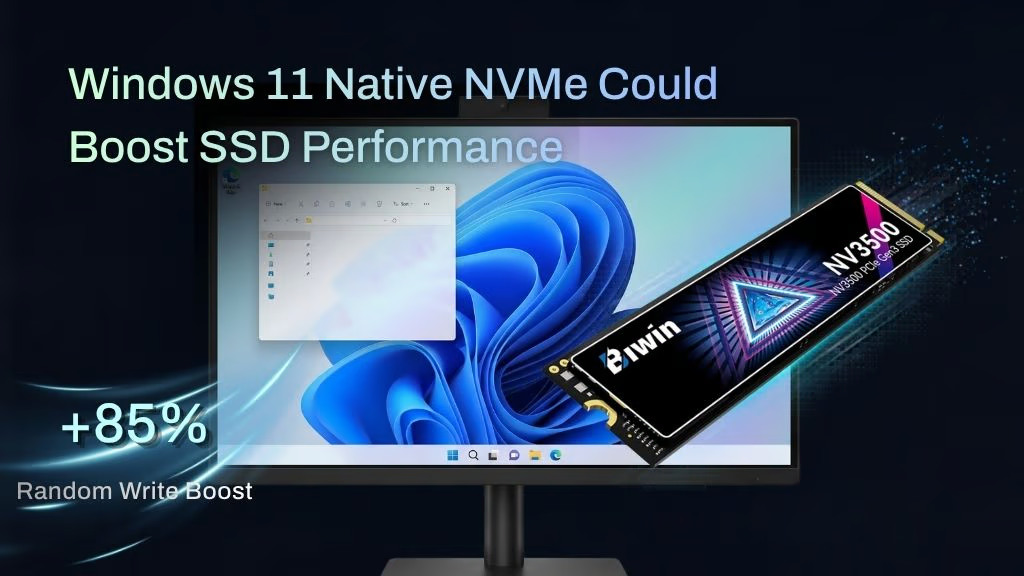
A recent Windows Server 2025 driver update has had a dramatic effect on NVMe SSD performance, in some cases boosting it up to 85%. It’s not available natively for Windows 11 Home or Pro users yet, but some enterprising Windows users have managed to get it working, with some very real results.
It’s rare to get performance for free – Who wouldn’t want to download some RAM right now? – but in the case of a recent Windows Server 2025 NVMe driver update, that’s exactly what’s happened. Microsoft has finally made Windows support NVMe SSDs natively, rather than treating them like legacy SCSI drives. By removing the necessity to convert NVMe commands into SCSI commands and vice versa, Microsoft has uncorked a bottleneck that was slowing down NVMe SSDs; in some cases, dramatically.
What is the Windows Server Native 2025 NVMe SSD Driver?
The new driver debuted late 2025 as part of the Windows Server 2025 October Cumulative update. It introduced native NVMe I/O support, reducing processing overhead and latency. Microsoft claimed the whole I/O processing workflow is now “redesigned for extreme performance.”
According to Microsoft’s numbers, the results are dramatic. It delivers massive IOPS gains, with direct multi-queue access to storage; reduced latency for just about any operation on the drive; reduced CPU overhead, and the potential for future optimizations leveraging some of the native NVMe capabilities like multi-queue and direct submission, that can only be utilized with this NVMe driver in place.
In its original announcement, Microsoft showed some impressive gains when enabling the new native NVMe support in Windows Server 2025. IOPS on NTFS 4K random read performance jumped up to 78%, and CPU cycles per I/O command were down by as much as 47%. Graphs here.
Microsoft hasn’t made any kind of announcement about if or when this feature might reach consumers, but naturally, Windows 11 Home and Pro users are itching to get access to the free performance that’s clearly just waiting to be unlocked. Some users have used the registry keys designed for Windows Server 2025 to get it working, and they’ve found similarly impressive results, though they aren’t uniform.
One Reddit user made the registry adjustments on their MSI Claw 8 AI+ handheld gaming system equipped with a Crucial T705 4TB SSD. They found that sustained read and write performance was slightly improved, but random read speeds jumped by 12%. Better still, random write speeds increased by as much as 85%!
Twitter/X User, Mouse&Keyboard, tried it out on their Windows 11 25H2 install on an SK Hynix Platinum P41 2TB SSD and found similar, if more modest, results. Their AS SSD benchmark score jumped over 13% after applying the registry edits. Random 4K-64Thrd workloads improved the most, with up to 22% improvement.
How to use the Windows Server 2025 Native NVMe SSD Driver
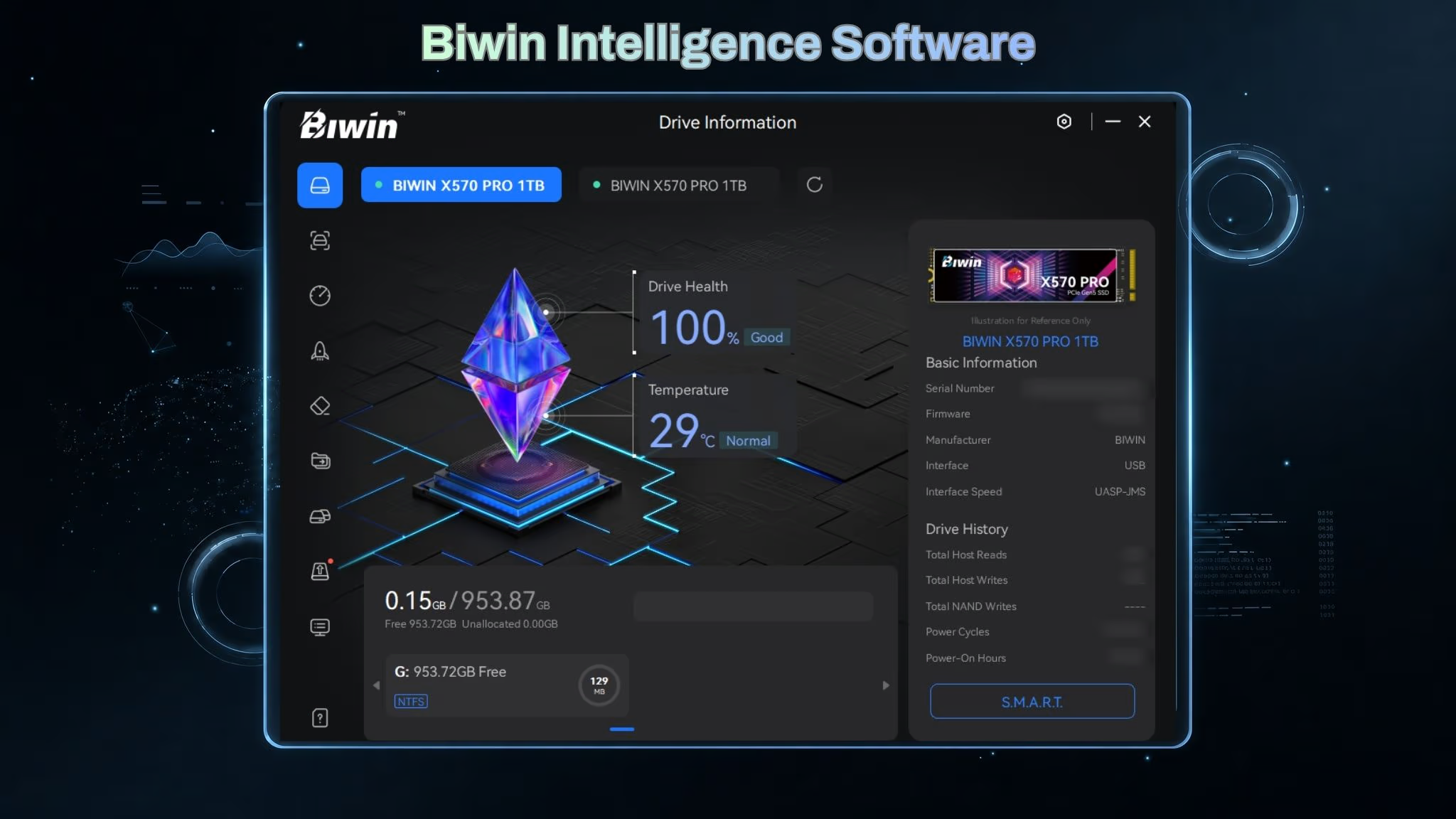
If you’d like to give the registry trick a try yourself, there are instructions you can find on the DeskModder forums. Do note, however, that even those who get it working are reporting that it tends to break SSD health tools like Biwin Intelligence, Samsung Magician or Western Digital Dashboard and may forcibly change your drive letter. That could create problems with other apps and services too.
Hopefully, Microsoft will release this as a general feature in due course. Free performance is free performance, and it seems unlikely anyone will turn it down if it can be enabled without headaches. If Microsoft is recommending it to its professional Server users, it should be possible to make it consumer-proof enough for a wider release.
Check SSD Performance with Biwin Intelligence
If you decide to experiment with the Windows Server 2025 NVMe driver, it’s worth having an SSD management tool installed beforehand so you can compare performance and check that everything is behaving as expected. Biwin Intelligence makes that easy, offering benchmark testing, drive health monitoring, firmware updates, and S.M.A.R.T. information, along with tools for data migration and drive cloning. It’s a handy way to establish a baseline before making changes and verify that your SSD is performing as it should afterward.